
Global Business · United Kingdom Business Guide 2026
UK Visitor Businesses: Write Useful Access and Arrival Information
JASOTO · Updated 29 October 2026 · 3,078 words
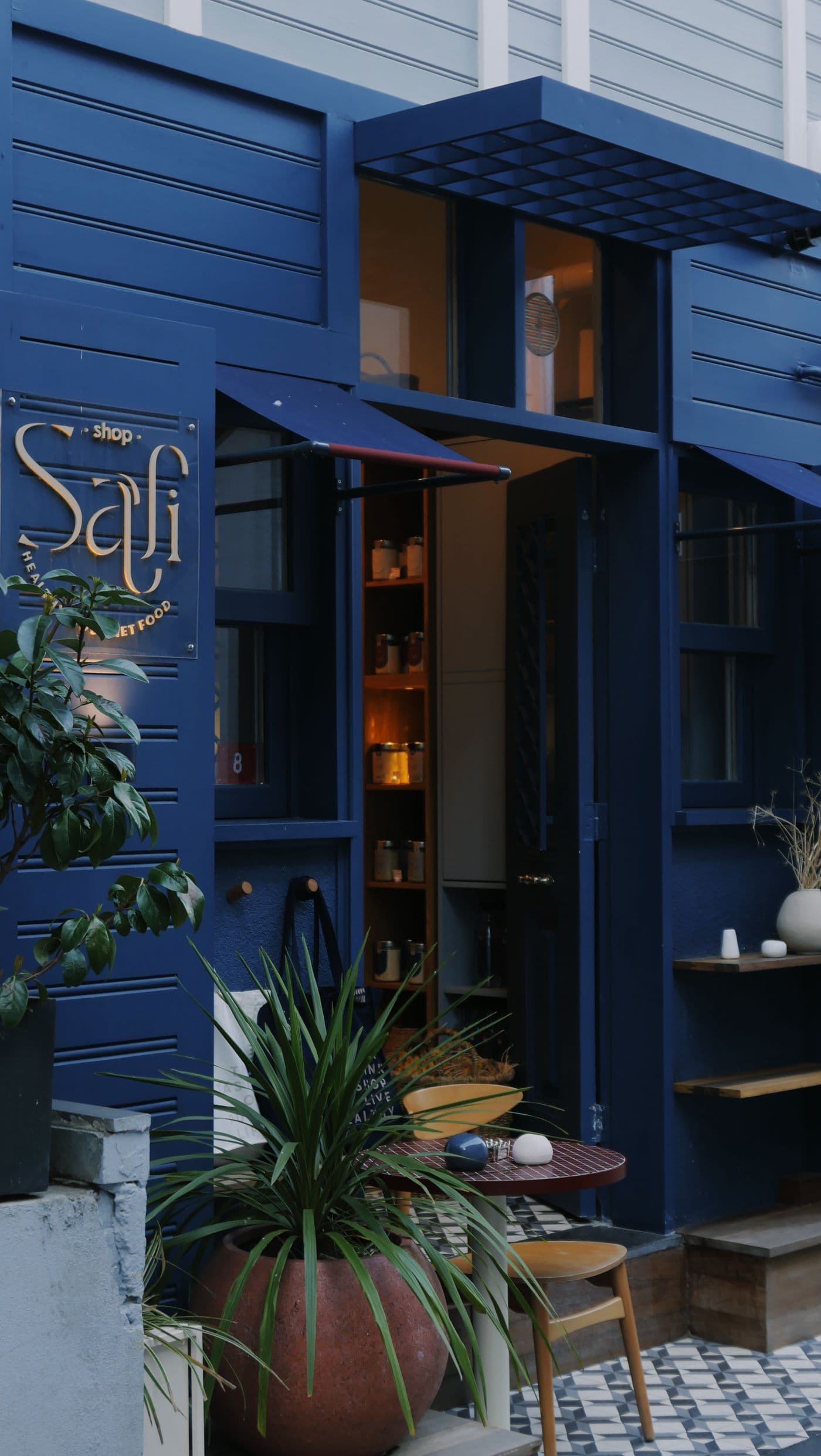
Illustrative stock photograph: store facade and entrance. It does not document the hypothetical business examples or establish that the image was taken in the United Kingdom.
A visitor can decide whether a venue suits their plans only when its information describes the experience in concrete terms. Welcoming language helps, but it cannot tell someone whether there is a step at the entrance, a long walk from the car park or a quiet place to pause. For a small UK attraction, studio, workshop venue or visitor shop, an access and arrival page can answer those questions before a journey begins. Its value comes from observed details, clear boundaries and a dependable way to ask about an individual requirement.
This guide explains how to build that page from a practical walk through the visitor journey. It focuses on what the business can verify and communicate, alongside a process for keeping the facts current. It does not certify a building or replace specialist assessment. A converted mill, a coastal workshop and a city centre gallery will present different choices. The examples below are hypothetical, and any measurements, available equipment or supported arrangements must come from the actual venue rather than being copied from another business's description.
What a useful arrival page should establish
- Describe the whole route from transport or parking to the activity.
- Replace broad access labels with specific, verified features.
- Explain how to request support and when a response is available.
- Keep temporary changes connected to the main visitor information.
1. Start with the decisions visitors need to make
Write a short list of decisions the page should support before collecting photographs. A visitor may need to choose transport, work out whether to attend alone, arrange a companion, bring equipment or select a quieter session. Another person may simply want to know whether a pushchair can follow the usual route. These decisions overlap, but they should not be collapsed into an assumption that every visitor has the same needs. Describe the environment and the available arrangements so people can assess the fit for themselves. Give unresolved questions a clear contact route.
Ask staff to record recurring access and arrival questions without collecting unnecessary medical detail. A question about the length of a queue is evidence that the page may need an explanation of waiting arrangements. It is not a reason to ask the visitor to disclose a diagnosis. Distinguish information that is generally useful from an arrangement that needs prior discussion. For example, ordinary entrance directions belong on the public page; a particular support request may need a conversation with someone who can confirm staffing and equipment. This distinction keeps the page informative while making individual decisions manageable.
Include local operating context in the review. A venue near a seasonal bus route should verify the relevant timetable rather than assuming last summer's service continues. A countryside site may need to describe the difference between the public road and its own approach, while a city venue may need to explain a courtyard that is difficult to recognize from the street. Keep information controlled by the venue separate from information controlled by transport providers or public authorities. Readers can then see which facts the business has checked directly and where they should consult a current external source before setting out.
2. Walk the journey from each realistic arrival point
Start the site review where visitors actually begin their approach, not at the reception desk. Follow the route from the nearest relevant public transport stop, the venue car park, a permitted drop-off point and the main pedestrian approach. Observe turns, crossings, changes of surface, gradients and places where a sign is easy to miss. A city venue's most obvious map pin may lead to a locked delivery gate, while a countryside venue may share an entrance with another business. Record those differences plainly and verify any external route information with the responsible provider.
Break long directions into recognisable stages. Use stable landmarks rather than a parked vehicle or temporary display that could disappear. A coastal studio might describe the approach from the public road and explain that the final path changes from pavement to compacted gravel. A converted urban warehouse might have a courtyard entrance different from its postal address. These local details matter more than a generic paragraph about easy access. Include the address in readable text alongside any map, and explain which entrance the visitor should use. A map should support the directions rather than carry information that cannot be found anywhere else.
3. Describe parking and drop-off without assuming availability
Separate parking owned or managed by the venue from a public or third-party car park nearby. Explain the relationship rather than describing both as our parking. If spaces have particular features, record the features and the route from them to the entrance. A labelled space is only part of the journey; visitors also need to know whether the next section involves a kerb, a gate or an uneven path. Check that any photographs correspond to the entrance visitors will use, and avoid implying that a specific space can always be reserved unless the operation supports that arrangement.
For drop-off, describe where stopping is actually permitted and how the visitor reaches the reception point. Staff should verify the arrangement, including whether another vehicle could block the route at busy times. Where the venue cannot confirm an external restriction, link to the relevant official source and explain that visitors should check current conditions. Do not turn an informal practice into a published promise. A hypothetical town centre gallery might identify a nearby permitted arrival point while making clear that staff cannot control public parking. That is more helpful than claiming convenient parking and leaving the visitor to discover the details on arrival.
4. Replace the word accessible with useful entrance facts
Describe the entrance itself: the approach surface, any steps or thresholds, the door arrangement and the assistance that can actually be requested. Where measurements are relevant, take them through a consistent review process and explain exactly what was measured. Avoid estimating from a photograph. If an alternative entrance is used, give its location, opening arrangement and how a visitor finds or contacts staff. An alternative route that is normally locked needs a clear request process; simply calling it available does not tell someone what to do when they reach it.
VisitEngland's accessible and inclusive tourism toolkit brings together guidance on physical, digital and operational features, inclusive welcome and communication. Use its questionnaires and technical material to structure the venue's review, with appropriate expertise where needed. The operational task for the page is to communicate the verified outcome. A portable ramp, for example, should not appear as a general promise unless staff have confirmed the actual arrangement and how requests are handled. Explain dependencies in language a visitor can act on. If an aspect remains under review, say what is known and provide a contact route without presenting uncertainty as a completed facility.
Source: VisitEngland: accessible and inclusive tourism toolkit. Check the source for current guidance and terms.
5. Show the route through the visitor experience
Once inside, follow the route a visitor takes through the main activity rather than describing rooms in the order they appear on a floor plan. Explain changes between levels, narrow sections, doors, seating and any areas that use a different route. A workshop held in a former farm building may have a level main room but an uneven approach to an outdoor demonstration. A small heritage venue may have parts of the experience on another floor. Describe those differences specifically so visitors can decide what they want to discuss before travelling.
Identify the points where staff can offer a supported alternative and verify what that alternative provides. A description, photograph or demonstration in another room may be useful, but it should not be presented as the same experience if it differs. Make any booking dependency clear. If an arrangement needs a particular staff member or preparation time, explain how to ask and when the venue can confirm. Keep the public page aligned with the information in the business directory, especially when the directory description mentions visitor facilities. Short promotional copy should lead to the fuller facts rather than expand them into unsupported claims.
6. Explain sensory conditions and quieter choices
Access information should include relevant aspects of the environment beyond physical movement. Consider sound, lighting, crowds, smells, demonstrations and waiting. Describe what visitors may encounter at different points, and distinguish fixed conditions from variable ones. A craft venue using powered equipment may have intermittent noise rather than a constant soundtrack. An attraction with an indoor demonstration may dim the room at a particular stage. Explain the experience in ordinary language and avoid predicting how every individual will react. Where conditions depend on the programme, tell readers where to find the current session details.
Quieter times should be based on the business's observation and actual scheduling. If a venue cannot promise a quiet visit, explain when it is often less busy and what can still change. A school group or private booking may alter a normally calm morning. Establish how visitors can check the day's arrangements, and train staff to give a realistic answer. A quiet space also needs a practical description: location, availability, whether it is shared and how someone requests access. A hypothetical rural workshop might offer a separate seating area between demonstrations, but that should be confirmed by the venue rather than inferred from an inviting photograph.
7. Make facilities information precise and proportionate
Describe relevant toilets, seating, refreshments and other facilities in a way that supports a decision. Avoid using a facility symbol as the only explanation. A visitor may need to know whether a toilet is within the venue, on the same level as the activity or in another building. If a facility belongs to a neighbouring business, explain the arrangement and verify whether visitors can rely on it. Where specialised facilities are discussed, use the correct description and confirm the details with the person responsible. A familiar term can create a substantial expectation that an ordinary room does not meet.
Include information about food service or dietary enquiries only to the extent the venue can support it. A shop selling sealed refreshments has a different operation from a kitchen preparing meals. Explain how a visitor asks a specific question and who will answer, rather than placing a sweeping claim on the access page. The same applies to seating: identify where it is available and whether there are parts of the route without a resting point. These descriptions help a wider range of visitors plan. Keep them concise enough to scan, then provide a reliable contact for the details that vary by individual requirement.
8. Use photographs as evidence with a clear purpose
Choose photographs that answer arrival questions: the street approach, entrance, reception, route changes and relevant facilities. A beautiful wide view may establish the setting but fail to show the threshold somebody needs to assess. Take images from a useful viewing position and include enough surrounding context to identify the location. Avoid placing identifiable visitors in access photographs without the appropriate arrangements. Date the review of the images, especially after work on an entrance or changes to furniture. The purpose is to document the current visitor environment, not to build an idealised version of the venue.
Pair each informative image with a useful caption or adjacent description, and give it appropriate alternative text. Do not place essential directions only inside an image. A simple diagram can complement photographs when the route branches, but it should have a text equivalent describing the decision points. If commissioning a revised page through website services, include the arrival journey and image purposes in the brief. Ask the provider to demonstrate how the information works on a small screen and with the relevant accessibility checks. The quality of the source information still depends on the venue verifying the actual route and facilities.
9. Structure the page for reading and navigation
Give the page a clear title and organise information in the order a visitor is likely to need it. Suggested sections include planning a visit, arriving, entering, moving around, facilities and asking for support. Short descriptive headings let someone jump to the relevant question. Use readable sentences and explain any local terms that a visitor may not recognise. W3C's page structure tutorial describes how meaningful structure and logical headings support navigation and orientation, including for people using screen readers or keyboards. Apply those principles through the website's actual markup as well as its visual design.
Keep the most useful facts available as normal page text. A downloadable version can be helpful, but a visitor standing outside in poor reception should not have to open a large document to find the entrance instructions. Test whether enlarged text remains readable and whether links explain their destination. Offer other formats through an arrangement the team can fulfil. When reviewing language options, keep visitor language needs distinct from accessibility needs, and have translated arrival details checked by someone competent in the language. A translated page must preserve the same verified routes, limitations and support process as the original.
Source: W3C WAI: page structure tutorial. Check the source for current guidance and terms.
10. Connect the page to booking and staff responses
An access page has limited value if visitors cannot find it when deciding whether to book. Link it from relevant activity pages, booking information and confirmation messages. Use a descriptive label such as access and arrival information rather than more details. Confirm that the link leads to the current page across the main visitor journey. If a booking platform is run by another provider, check what information can be included there and who maintains it. A copied paragraph in an old confirmation template can contradict a carefully updated website months later.
Prepare staff to answer questions using the same facts. Give the team an internal reference showing who can confirm arrangements, what can be promised immediately and what requires follow-up. A request should not disappear because the person answering the phone lacks authority to arrange it. Record the question and agreed next action without asking for unnecessary personal information. If AI assistance is used to draft a clearer response template, use a fictional enquiry and verify every facility statement. The final message should come from an accountable person who knows whether the requested arrangement can actually be provided on that date.
11. Keep temporary changes visible and dated
Building work, a lift fault, a flooded path or a changed event layout can make otherwise accurate arrival information misleading. Decide who updates the public page when the operation changes and how temporary notices connect to the relevant section. Explain the practical effect on the visitor rather than posting a vague message about inconvenience. A change to the entrance may also require updates to signs, confirmation messages and staff instructions. Set an expiry or review date for notices so an old disruption does not remain visible after normal arrangements resume.
Prepare a simple change record containing the affected feature, verified facts, start date, expected review and owner. If the expected resolution is uncertain, give the next review point instead of inventing a completion date. Consider visitors who already booked and may need the information before travelling. Use the business's actual communication process to decide how affected customers are informed. A hypothetical coastal venue with a temporarily closed path might provide the verified alternative route and invite visitors to discuss its suitability. It should also review photographs and maps that continue to show the closed approach as the normal entrance.
12. Test the page with the people who use it
Ask someone unfamiliar with the venue to plan a visit using only the public information. Give them a realistic task, such as identifying the correct entrance from a bus stop or finding out how to request a quieter waiting arrangement. Observe where they hesitate, switch channels or infer a facility that the venue does not offer. Include feedback from disabled visitors and other relevant users through an appropriate, respectful process. A staff walk-through can verify facts, but it cannot substitute for every perspective. Record specific barriers and prioritise changes that help visitors make an informed decision.
Measure the usefulness of the page through practical signals: repeated arrival calls, visitors reaching the wrong entrance, unanswered support requests and outdated information discovered by staff. A reduction in questions can suggest clearer information, but a rise may mean visitors now know they can ask. Read the actual questions before drawing a conclusion. Give the page an owner and a scheduled review linked to operational changes. The result should be a living description of the venue, with honest limits and clear next steps. Visitors can then plan around the real experience, and staff can offer a more consistent welcome.
Close the feedback loop with the staff who receive visitors. An arrival problem reported at the counter should reach the person maintaining the page, with enough detail to identify the confusing instruction. Review whether a sign, image or wording change is needed and check the result on the next walk-through. If the page is available in several languages, carry the correction across each version rather than leaving conflicting routes online. This small maintenance habit helps the guide stay useful through staff changes, seasonal layouts and changes in the surrounding streets.
Before publishing your access and arrival page
- Walk the routes from transport, parking and drop-off points.
- Verify entrance, internal route and facility descriptions.
- Give each support arrangement a responsible staff contact.
- Test headings, readable text, images and booking links.
- Assign an owner and review temporary changes promptly.
Frequently asked questions
Should we describe the whole venue as fully accessible?
Use specific verified features and explain relevant limitations. Visitors need to assess the actual route, facilities and arrangements against their own requirements.
What if an alternative entrance needs staff assistance?
Explain where it is, how to request assistance and when the venue can confirm availability. Ensure the staff team can carry out the published arrangement.
Does an access page replace a specialist assessment?
No. It communicates the venue's verified information. Use appropriate technical guidance and expertise for physical, operational and digital assessment.
How often should photographs be checked?
Check them whenever the route, entrance or facilities change, and include them in the page's regular factual review.
Explore JASOTO tools
Compare public visitor service descriptions.
Review website services →Prepare a brief for readable access and arrival information.
Explore language options →Consider language support alongside verified visitor information.
Explore AI assistance →Draft fictional response examples for staff review.
Review the information visitors see first
Compare your arrival page with the entrance, routes and support arrangements your team can verify.
Browse business profiles